↙
Compress & Resize
Reduce file size or set exact dimensions for an entire batch.
批量减小文件体积,或设置精确尺寸。
Compress, resize, convert, clean metadata and transform whole batches—without sending your photos to a server.
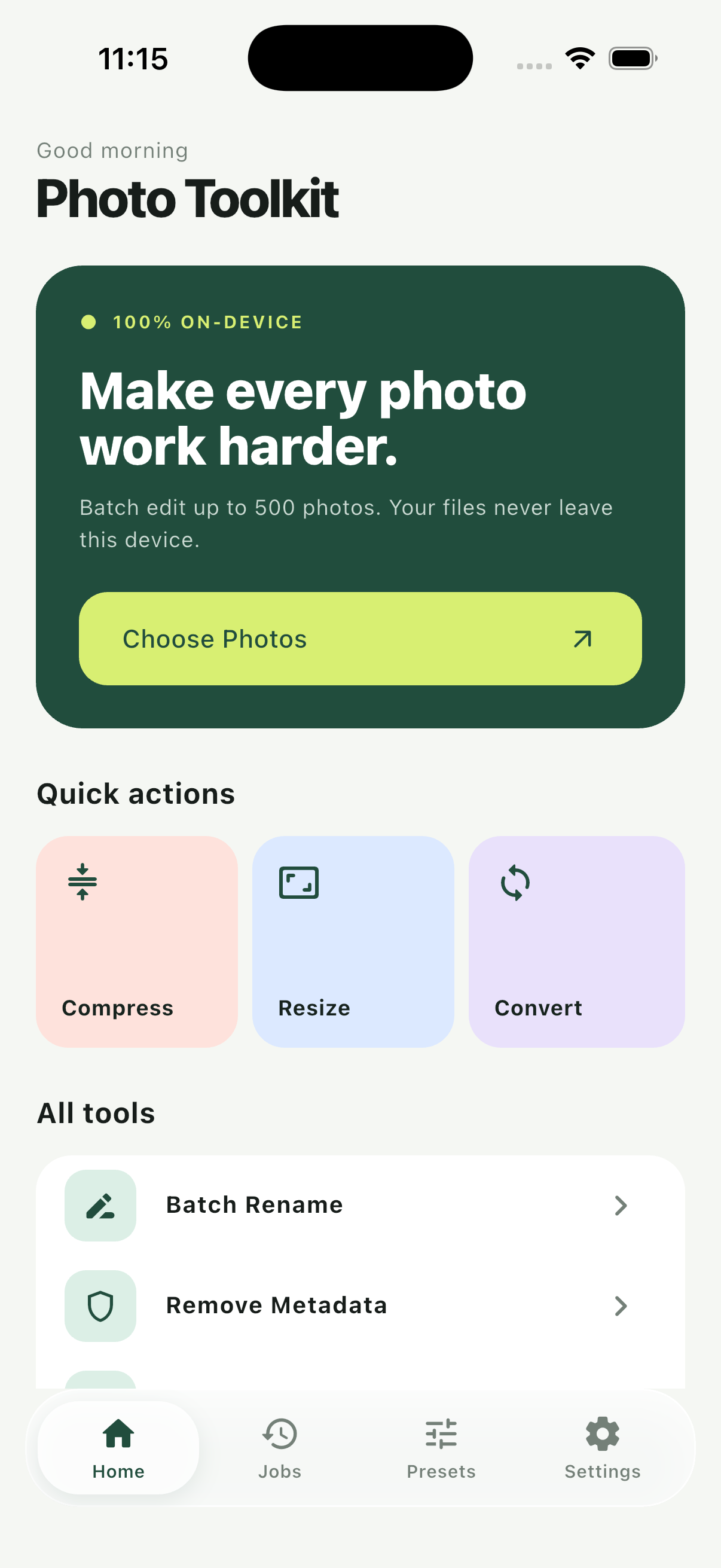
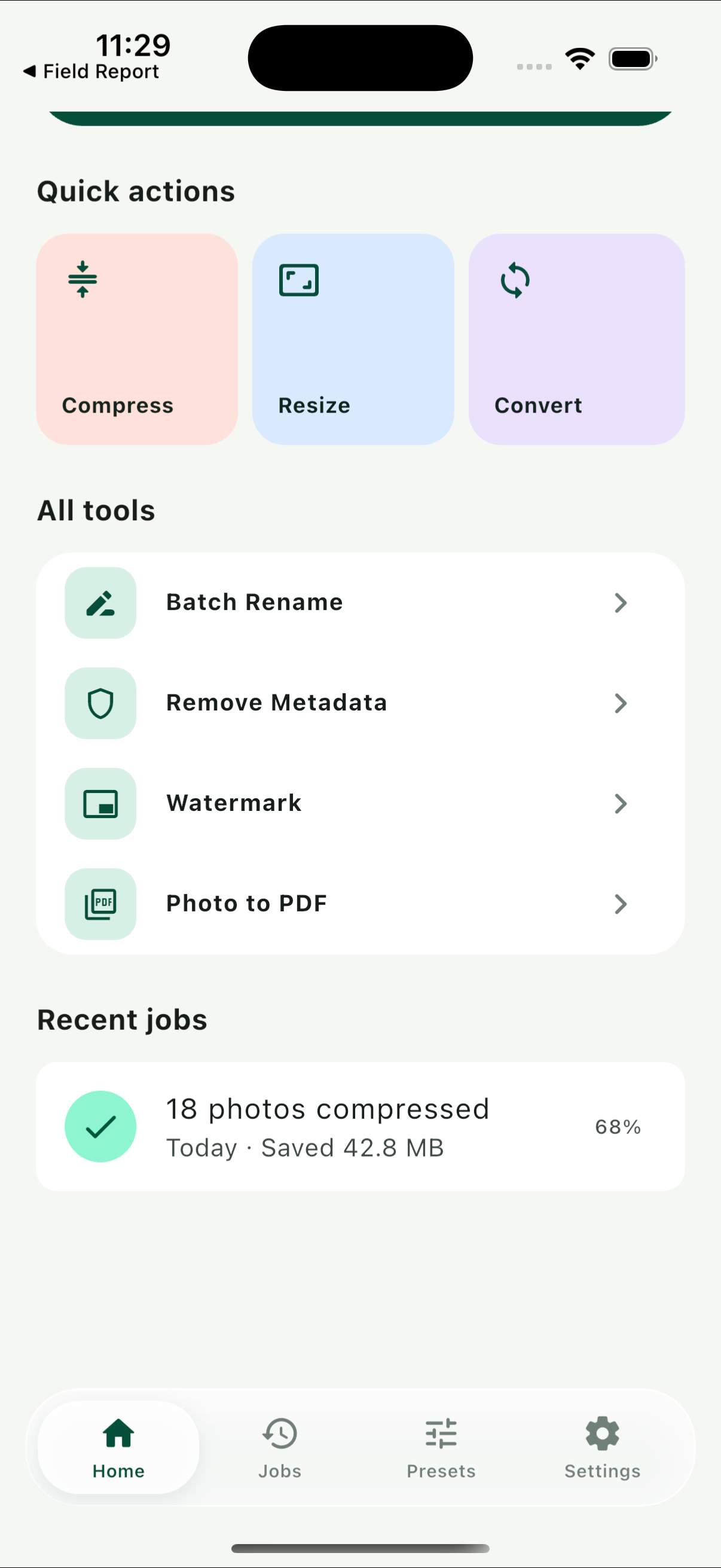

A focused set of photo utilities built around one consistent workflow.
一套围绕统一工作流打造的实用照片工具。
Reduce file size or set exact dimensions for an entire batch.
批量减小文件体积,或设置精确尺寸。
Work across JPEG, PNG, HEIC and WebP formats.
支持 JPEG、PNG、HEIC 与 WebP 格式转换。
Remove location and camera metadata before sharing.
分享前清理位置和相机等元数据。
Create clean, predictable filenames in seconds.
快速生成整洁、可预测的批量文件名。
Crop, rotate and flip with consistent batch settings.
用统一设置批量裁剪、旋转和翻转。
Protect your work or turn selected photos into a PDF.
添加水印保护作品,或将照片合成为 PDF。
Photo Toolkit processes selected photos locally. We do not run an upload service, ad network or analytics tracker.
Photo Toolkit 在设备本地处理所选照片,不提供照片上传服务,也不接入广告网络或分析追踪。
You choose exactly which photos or files the app may access.
由你明确选择 App 可以访问的照片或文件。
Preview batch settings before processing begins.
处理开始前预览并确认批量参数。
Work is performed on your device, not our servers.
任务在你的设备上完成,而不是我们的服务器。
You decide where each output goes.
由你决定处理结果的保存位置。
Unlock larger batches and the complete toolkit with a one-time in-app purchase. Purchases are handled securely by your app store.
通过一次性应用内购买解锁更大批次和完整工具,交易由应用商店安全处理。
No. Selected photos are processed locally on your device. The app only sends an output elsewhere when you explicitly use a system share destination.
不会。所选照片在设备本地处理;只有当你主动使用系统分享功能时,输出文件才会发送到你选择的目标。
No. Photo Toolkit does not require an account or cloud profile.
不需要。Photo Toolkit 不要求注册账号,也没有云端个人资料。
Photo Library or file access is requested only when needed to select inputs or save outputs. Access can be changed in system Settings.
仅在选择输入或保存结果时请求相册或文件访问权限,你可以在系统设置中随时调整。